
repetitive strain: quick proven strategies to stop hand and wrist pain
由 Zestora 上 Dec 26, 2025

If you work at a desk and use a keyboard, mouse, or touchscreen, you feel pain. Your body sends signals. Your hands and wrists hurt by mid‐afternoon. Pain can grow fast—from a small annoyance to stopping you from finishing work.
Below is a practical, people-first guide. It helps you reduce hand and wrist pain, keep your work flowing, and protect your joints and muscles over time—without turning your life upside down.
What is repetitive strain for desk workers, really?
“Repetitive strain” covers many aches and stiffnesses. When you repeat small motions—typing, mousing, scrolling, or swiping—your body hurts. Office and remote workers face these signs:
• By day’s end, hands or wrists feel achy or tight.
• After long typing sessions, forearms feel tired.
• Excessive mouse use can cause tingling or a mild numbness.
• You may notice a weaker grip or dropping items more often.
These signals show that your daily work habits push small joints and muscles beyond their normal limits.
Step 1: Fix the desk setup that is hurting your hands
Your desk setup sits at the root of your pain. When your keyboard, mouse, and chair do not support you, your hands and wrists pay the price.
Keyboard and mouse positioning
Aim for this setup:
• Your forearms stay parallel to the floor, and your elbows form a 90-degree angle.
• Your wrists rest in a neutral angle. Keep your hands in line with your forearms instead of bending them.
• Place the mouse close to your keyboard. Keep your elbow near your body, not extended.
Signs that your setup is harmful:
• Your wrists rest on the desk edge as you type.
• You lift your shoulders or pull your arm out to use the mouse.
• Your forearms feel tense after long emails or spreadsheets.
Small fixes include:
• Use a low-profile or split ergonomic keyboard if you type all day.
• Add a thin wrist rest and let it support, not compress, your wrists.
• Move your mouse closer and use a larger mousepad to avoid overusing your fingers.
Step 2: Micro-breaks: the 30-second habit that saves your hands
You do not need long stretching sessions. You do need to stop acting as if your hands never tire.
Try the 20-2-20 rule for your hands:
• Every 20 minutes,
• Take a break of 20–30 seconds,
• And move and stretch your fingers, wrists, and forearms.
Quick options you can do at your desk include:
• Finger fan and fist: Open your hands wide, and spread your fingers. Hold for 5 seconds, then gently make a fist. Do this 5–10 times.
• Prayer stretch: Press your palms together at your chest. Slowly lower them toward your waist until you feel a gentle stretch. Hold for 10–15 seconds.
• Desk edge stretch: Place your fingertips on the desk edge with your palms down. Lean forward until you feel a stretch in your forearms.
These micro-breaks boost blood flow and reduce stiffness before it worsens.
Step 3: Better typing and mousing habits to cut repetitive strain
Even with a perfect setup, the way you use your hands matters.
Typing habits
• Lighten your touch. You do not need to slam the keys. Aim for gentle, quick taps.
• Relax between bursts. When you read on your screen, keep your hands off the keyboard.
• Use keyboard shortcuts (like Ctrl/⌘ + C, V, Z) to limit extra mouse clicking.
Mouse habits
• Avoid gripping the mouse too tightly. Use only as much pressure as needed.
• Adjust sensitivity. Increase the pointer speed so that you move the mouse less.
• Try switching sides. If you can, train your non-dominant hand to scroll or navigate a bit.
These small changes add up over thousands of clicks and keystrokes. They bring lasting relief.
Step 4: Simple strength and mobility work for hand and wrist resilience
Desk work overuses some muscles and underuses others. Gentle strength and mobility work helps your hands and wrists cope better.
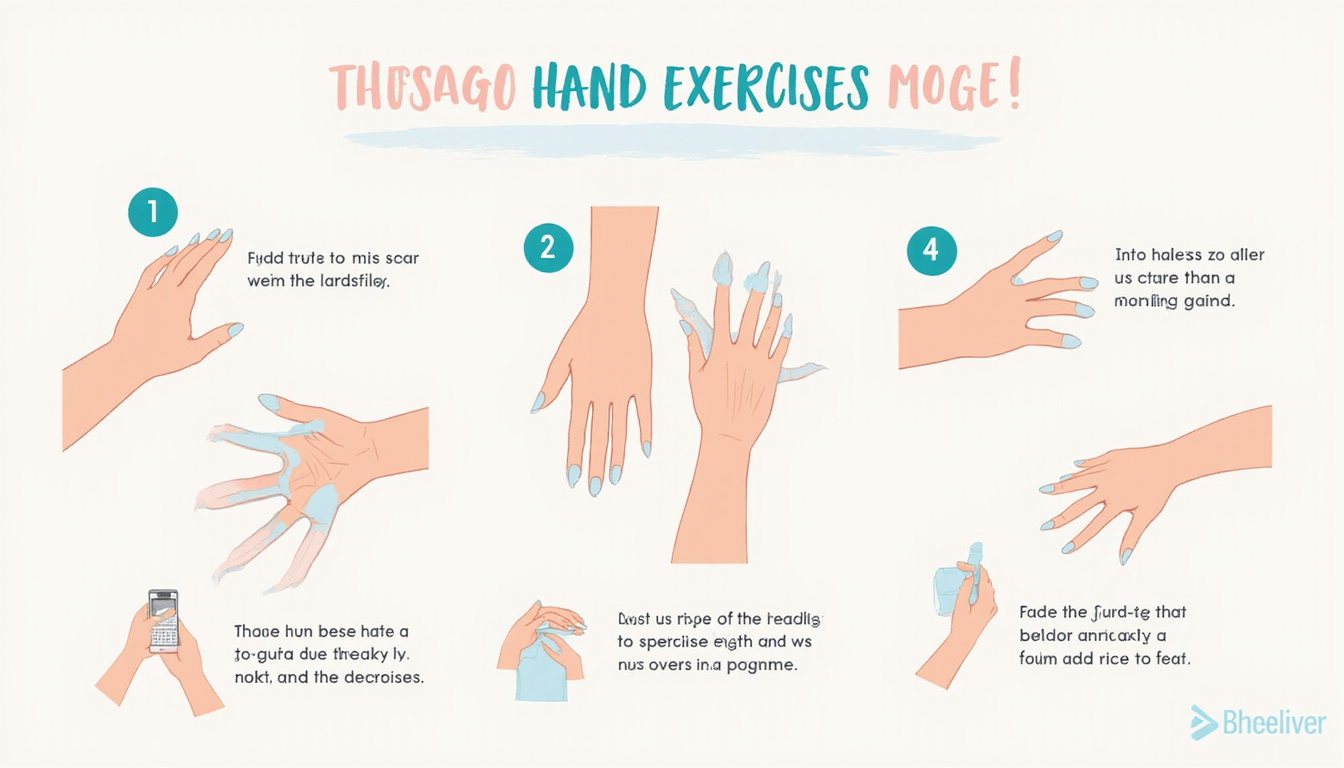
Try this routine three to four times a week. It takes about 5 minutes:
-
Rubber band finger extension
• Place a rubber band around your fingers and thumb.
• Open your hand gently against the resistance, then relax.
• Do 2 sets of 10–15 reps per hand. -
Wrist curls (with a light weight or water bottle)
• Rest your forearm on the desk with your palm up and your wrist hanging off the edge.
• Hold a light weight (or water bottle).
• Curl your wrist upward, then lower it slowly.
• Do 2 sets of 10–12 reps each side. -
Reverse wrist curls
• Keep the same position, but now with your palm facing down.
• Lift the back of your hand toward you, then lower it.
• Do 2 sets of 10–12 reps each side. -
Forearm stretch hold
• Extend one arm in front of you, palm down.
• Use the other hand to gently pull your fingers toward you.
• Hold for 15–20 seconds, then switch.
Stop if any movement causes sharp pain. Always consult a health professional for personal advice.
Step 5: Smart workday strategies to reduce repetitive strain
Beyond a good setup and exercises, how you work matters.
Try these strategies:
• Batching tasks: Instead of switching quickly among typing, clicking, and phone use, group similar tasks together. This gives your muscles a break.
• Voice tools: Use speech-to-text for long emails or reports to let your hands rest.
• Text expander tools: Use shortcuts that turn a few keystrokes into full phrases.
• Alternate devices: Use a stylus or trackpad for part of the day if that feels easier on your hands.
These habits share the load among different muscles, reducing repetition and strain.
Nutrition support: why many desk workers look beyond ergonomics
Even with a good setup and regular breaks, your hands can feel old by mid-afternoon. That is why many desk workers examine nutrition. Nutrition supports joint and muscle comfort from the inside.
Healthy joints and muscles need:
• Adequate protein.
• Good hydration.
• Micronutrients that help tissue health.
• Sleep and movement.
Many office workers struggle to eat and move well during busy days. A nutrition-focused supplement can complement your routine.
Regenerix Gold: a nutrition-based option for healthy joints and muscles
For those with long computer hours, Regenerix Gold is a popular choice. It supports joint and muscle health alongside ergonomic changes and exercise.
Key points for desk workers:
• Regenerix Gold is a nutrition-based solution. It helps support joint and muscle health. It is not meant to treat a disease.
• Health professionals, including doctors and physical therapists, recommend it for people who work long hours.
• It has a strong track record. For more than a decade, users around the world praise its benefits when used alongside good work habits.
Remember, as a dietary supplement, it is not meant to diagnose or cure any disease. It is meant to support your overall wellness routine, which includes good ergonomics, movement, and smart work practices.
Before you add any supplement—including Regenerix Gold—talk with your healthcare provider or a licensed dietitian, especially if you have other health issues or take medications (source: https://www.fda.gov/food/dietary-supplements).
See how Regenerix Gold fits into a healthy joint routine
Regenerix Gold
This video shows how people use Regenerix Gold as part of their plan to stay comfortable and productive even during long desk days.
FAQ: repetitive strain, desk work, and joint support
Q1: How can I prevent repetitive strain in my hands at the office?
A1: Focus on three pillars. First, use a keyboard and mouse setup that keeps your wrists neutral. Second, take short, frequent breaks to stretch and move. Third, include gentle strengthening for your hands and forearms. Many also support their joints with nutrition and supplements like Regenerix Gold.
Q2: What helps with repetitive strain in wrists for remote workers?
A2: Remote workers often use improvised desks, which can worsen wrist angles. Use a proper chair and desk when you can. Elevate your laptop and use an external keyboard and mouse. Combine this with movement breaks and consider your overall nutrition and lifestyle to support joint comfort.
Q3: Are supplements useful for repetitive strain from typing all day?
A3: Supplements cannot fix a bad workstation or replace movement, but they support joint and muscle health from a nutritional view. Products like Regenerix Gold help many people stay ahead of discomfort and maintain productivity, even if their job demands constant typing or mousing.
Take control before repetitive strain takes over your work life
Repetitive strain builds slowly with each email, spreadsheet, and Zoom call. The good news is that you can also reduce it gradually with practical steps.
To recap:
• Fix your keyboard, mouse, and chair setup.
• Take 20–30 second micro-breaks throughout your day.
• Use smarter typing and mousing habits.
• Strengthen and mobilize your hands and forearms.
• Support your joints and muscles with sound nutrition, possibly with a supplement like Regenerix Gold.
If you plan ahead about job security, rising healthcare costs, and long-term productivity, act now—before pain stops you from working normally.
Consider adding a bottle of Regenerix Gold to your routine, along with the ergonomic and movement changes above. This small change may save you lost workdays, specialist visits, or days filled with discomfort. Treat your hands and wrists like the valuable tools they are—start today.
Health Note
Always consult a licensed medical doctor for your health issues.
Special Discount
If you prefer preventive nutrition to minimize expensive knee surgery and potentially addictive pharmaceuticals, Regenerix Gold is your savvy solution.
You qualify for a special discount.
Simply use the link below and a discount will automatically be applied during checkout.
Get Regenerix Gold => HERE


