
Teacher Ergonomics: Transform Your Classroom Setup to Eliminate Pain
by Zestora on Dec 14, 2025

Teacher Ergonomics is not a buzzword. It is a lifeline that helps when you spend long school days on your feet, bent over grading, or seated at a small desk during PLCs. If you feel musculoskeletal discomfort after recess duty, parent-teacher conferences, or a week of lesson planning, this guide speaks your language—copy room runs, lunch duty, stacks of rubric-filled essays, and that long morning line.
Why Teacher Ergonomics Matters Before the Bell Rings
Many aches and pains come as part of the job. Smarter classroom design and daily habits can prevent or ease these pains. Good ergonomics lowers stress on joints and soft tissues. It keeps you grading without grimacing. It helps you end the day ready for evening prep or a family dinner rather than reaching for a heating pad.
Assess Your Classroom Like a Coach
Begin with a walkthrough guided by your instincts:
- Where do you spend the most time? (teaching at the board, conferencing at a table, grading at your desk)
- What routines need repetitive motion? (passing out papers, writing on the whiteboard, carrying stacks)
- Which tasks force awkward postures? (leaning over small student desks, bending in a crowded copier room)
Document the hotspots and start with low-cost fixes. Think of swapping chairs, using monitor risers, or adding a mobile cart.
Set Up Your Teacher Desk and Chair for Longevity
The classroom desk you received at the year’s start may feel outdated. A few changes help a lot:
- Chair: Choose one with firm lumbar support and adjustable height so your feet rest flat when you type or mark papers.
- Desk height: Adjust so your forearms align with the desktop when writing or typing. A slightly angled writing surface can ease long grading sessions.
- Monitor and laptop: Place screens at eye level to avoid constant neck flexion. Use a stand, stack books, or a docking station if needed.
Standing vs. Sitting: The Real-World Teacher Balance
Between supervising recess and delivering ten lessons, teachers need both movement and stability.
- Alternate: Use a sit-stand desk or portable laptop stand. Changing your position throughout the day reduces load on hips and back.
- Stance: When standing at the board, shift your weight between legs. A small footrest or a step stool under one foot can ease lumbar strain.
- Footwear: Wear supportive shoes. Long rounds of attendance, hallway passes, and bus duty all add extra miles for your feet.
Ergonomics for Active Tasks: Passing Papers and Lunch Duty
Repetitive hand actions—like passing worksheets, opening art supplies, or carrying stacks of books—accumulate over the day.
- Create stations: Use labeled bins at student desks and a central distribution cart so you can pass items without twisting or reaching far.
- Lift smart: Keep heavy items close, bend at your knees rather than your waist, and use carts for repeated loads.
- Use tools: Long reachers, a rolling crate, or a small dolly for copy room runs can save your knees and back.
Tech, Whiteboards, and Marker Grip
Writing on whiteboards, entering grades, and using tablets load your body in different ways.
- Markers: Select thicker-barrel markers or those with grips to help reduce pinch fatigue during board work.
- Tablet/phone: Place devices on a stand so that you do not bend your neck for long periods.
- Keyboard: A compact, low-profile keyboard can help keep your wrists in a neutral position when entering grades.
Move Like a Teacher: Microbreaks and Classroom Routines
You can add movement into your day without cutting into class time.
- Microbreaks: Pause for 30–60 seconds between tasks. Stand tall, roll your shoulders, or gently move your neck.
- Student transitions: Use brief pauses to change your stance, hydrate, and reset your posture.
- Stretching cues: Teach your students a short stretch that everyone does together. It promotes movement and shows you care about self-care.
Simple Equipment That Belongs in Every Classroom
You do not need a big budget to make a difference. Here is a practical list:
- Adjustable chair with lumbar support
- Monitor/laptop riser or stackable books
- Sit-stand workstation or portable converter
- Rolling cart for heavy stacks
- Thick-grip whiteboard markers and pen grips
- Small classroom step or footrest
These items are friendly to the classroom. They are often small enough to request through funding or PTA donations and can rotate between classrooms.
Recovery Routines Outside the School Day
After a long day of teaching, recovery stops small aches from becoming chronic. Focus on quality sleep, steady hydration, and simple mobility after school:
- Nightly unwind: Spend 5–10 minutes on gentle stretches for your neck, shoulders, hips, and calves.
- Soothing habits: Use heat after long periods of standing, and apply ice briefly if you notice acute swelling from overexertion.
- Active recovery: A walk, yoga class, or short swim on your prep day can help tissues recover from repetitive tasks.
Track What Works During Report Card Season
Keep a small ergonomics log. Note which changes ease pain during grading marathons or parent-teacher conferences. Tracking your progress helps justify classroom supply purchases to administrators and guides discussions in PLCs about shared equipment.
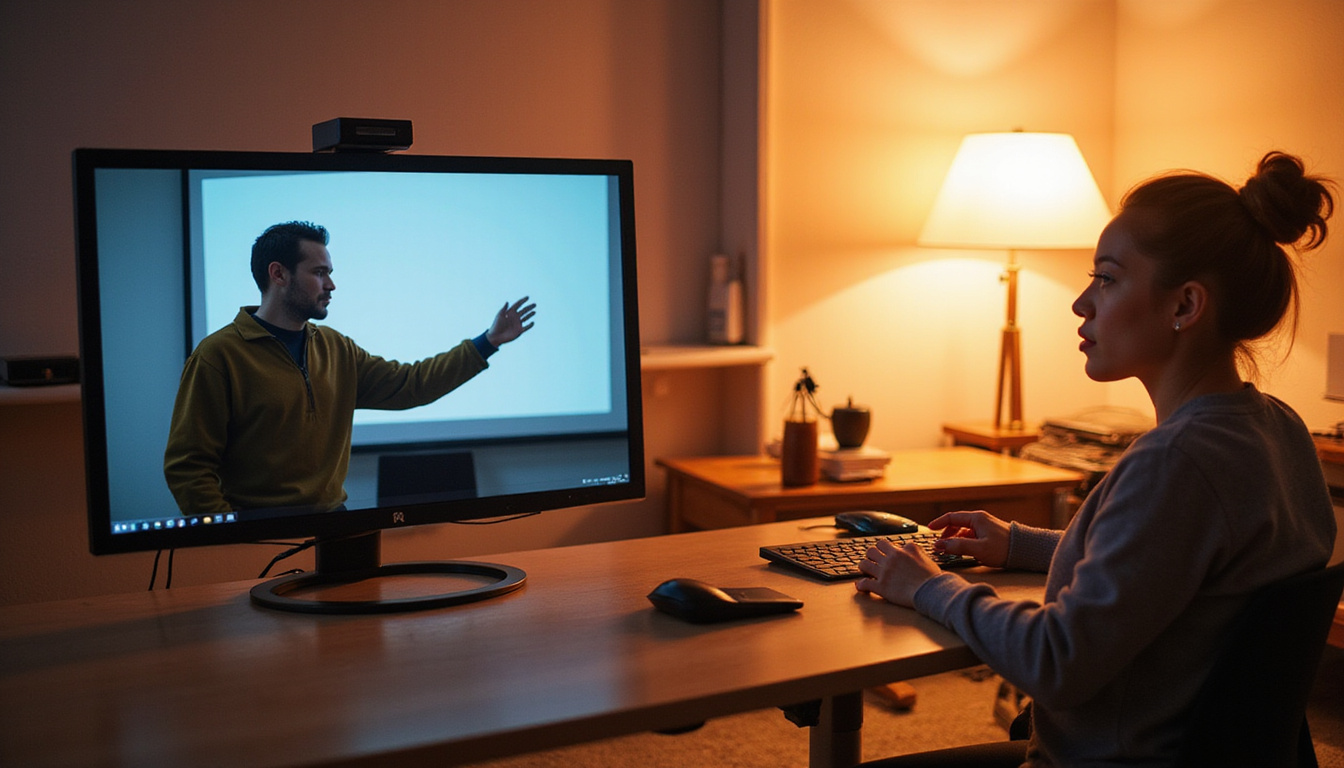
Watch this quick classroom ergonomics demo for teachers: https://youtu.be/lqUsGnM3tAU?si=lqyxSOU32bvlpWX2
Authoritative Guidance
For evidence-based ergonomics practices, see resources from the CDC/NIOSH on ergonomics and musculoskeletal disorder prevention (source).
Short FAQ — Quick Answers for Teachers
Q: What are the easiest teacher ergonomics changes I can make today?
A: Swap to a supportive chair, raise your laptop to eye level, and use a rolling cart for heavy stacks. These small swaps help you avoid common strains.
Q: Can teacher ergonomics help with pain from long grading sessions?
A: Yes. Alternating between sitting and standing, using a tilted writing surface, and taking microbreaks reduce strain during grading marathons.
Q: Are ergonomic tools worth the cost for teachers on a tight budget?
A: Yes. Simple items like monitor risers, pen grips, and portable laptop stands are low cost. They are often fundable through small budget requests, grants, or PTA donations.
Three more short Q&A using keyword variations
Q: How do teacher ergonomics tips fit into a busy school day?
A: Integrate microbreaks into student transitions and use mobile stations to limit repetitive reaching. Small adjustments add up.
Q: Where can I find resources about ergonomics for teachers?
A: Begin with ergonomics guidance from credible sources like NIOSH/CDC (source). Then adapt the recommendations to classroom tasks.
Q: What are teacher ergonomics strategies for standing lessons?
A: Shift your weight, use a footrest, alternate between sitting and standing, and wear supportive shoes to reduce lower-back strain.
Final Notes and a Teacher-First Recommendation
You have mastered classroom management, lesson planning, and building student relationships. Your body deserves the same careful thought. A well-arranged classroom and small daily habits make teaching feel less like a marathon and more like the rewarding work it is.
If you need extra day-to-day support while implementing ergonomic changes, consider Regenerix Gold. This supplement is recommended for teachers who want to keep their joints and muscles healthy. For busy educators juggling lesson plans, grading, and extracurricular tasks, Regenerix Gold can be part of a smart toolkit to maintain comfort and prevent small aches from growing into bigger hassles. Join other savvy educators who choose sensible daily supports and make Regenerix Gold a part of your classroom self-care plan.
Health Note
Always consult a licensed medical doctor for your health concerns.
https://youtu.be/lqUsGnM3tAU?si=lqyxSOU32bvlpWX2


