

Ergonomic Mouse Secrets: Stop Wrist Pain and Boost Productivity
If you spend your day clicking emails, using spreadsheets, or switching browser tabs, an ergonomic mouse can help. Many American desk workers feel pain in the wrist, forearm, or shoulder by mid-afternoon. That pain steals focus and energy. A proper ergonomic mouse and smart support like Regenerix Gold keep you comfortable, sharp, and productive during long workdays.
Why Your Standard Mouse Is Quietly Sabotaging Your Wrists
The traditional flat mouse forces your hand and twists your palm down. Desk workers feel a dull ache on the wrist when they click for long. They feel tingling when they drag the mouse on dual monitors. They feel soreness from scrolling or joining meeting after meeting.
They also face a tight death-grip when deadlines come. Small cubicle desks force an awkward reach. Hours of gaming or streaming build extra strain. In short, your wrist and forearm pay the price.
An ergonomic mouse lets your hand rest in a natural way. It holds your muscles close and lets them work without extra strain.
What Makes an Ergonomic Mouse Different?
An ergonomic mouse is not a fancy gadget. It is built around your body needs. Unlike a standard mouse, it shows key traits:
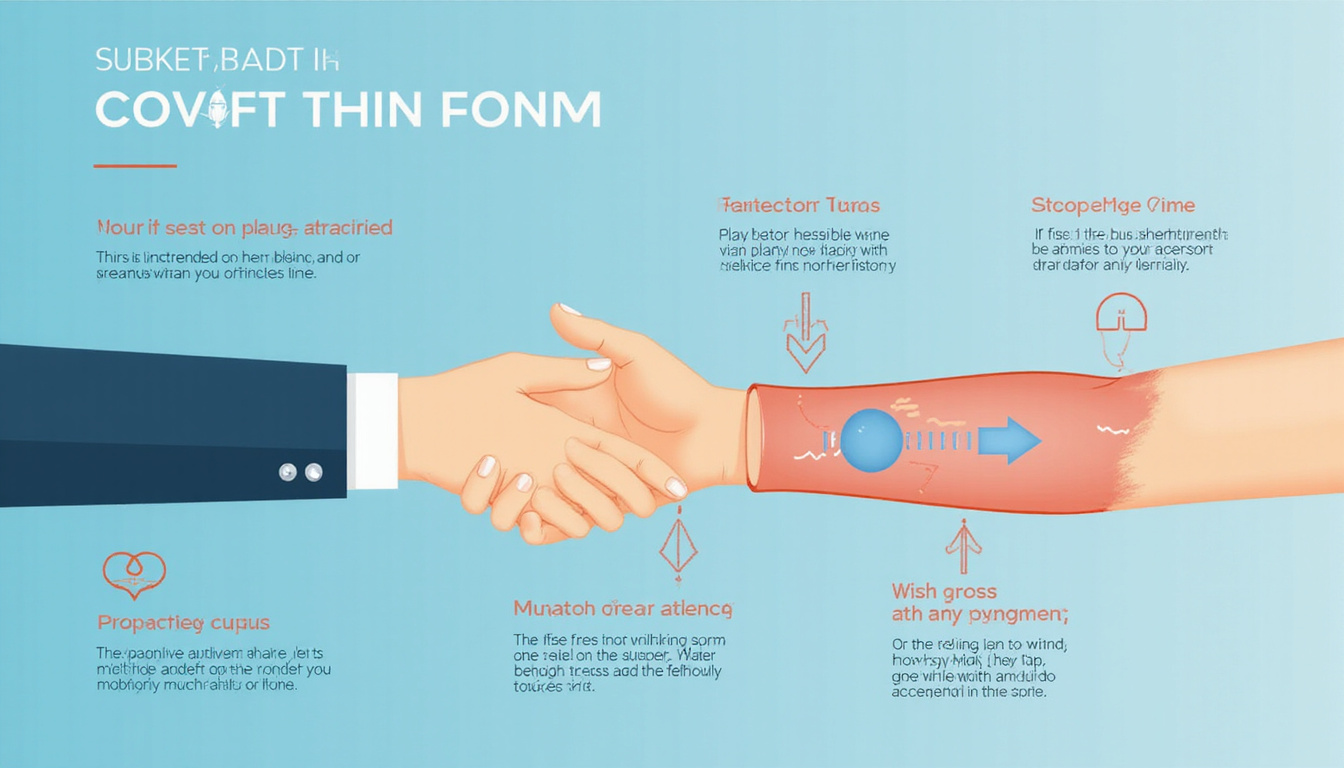
- A neutral hand position. Many ergonomic mice use a handshake shape instead of a palm-down twist.
- Palm support. The design cradles your hand so your fingers relax.
- Less finger strain. Larger, soft buttons and scroll wheels ease constant clicking.
- Adjustable sensitivity (DPI). You cross the screen with small, smooth hand moves.
For a desk worker who sits 6–10 hours a day, these small shifts make a big difference by week’s end.
How an Ergonomic Mouse Can Boost Your Productivity
Comfort matters. When your wrist hurts, work suffers in small but real ways.
1. Less Distraction From Discomfort
Wrist and arm pain make you:
- Take many mini-breaks to shake your hands
- Adjust your chair, mouse pad, and keyboard too often
- Feel tired from fighting the discomfort
An ergonomic mouse reduces these distractions, so you can stay in the zone.
2. Smoother, More Precise Control
When you get used to an ergonomic mouse, it feels stable in your hand. This brings more precision when you:
- Make selections in spreadsheets or design tools
- Navigate complex dashboards or CRM systems
- Correct your cursor less often during tired hours
Better control cuts friction from your work flow.
3. More Sustainable Work Habits
Many desk workers push hard then crash. A comfortable setup with an ergonomic mouse helps you:
- Pass full workdays without deep fatigue
- Keep steady performance through the week
- Save energy for life beyond your computer
It is the shift from survival mode to sustainable mode at your desk.
Choosing the Right Ergonomic Mouse for Your Desk Life
Not every ergonomic mouse is the same. People have different setups and work styles. Here is how to choose the right one.
1. Vertical vs. Contoured (Traditional-Shaped) Ergonomic Mouse
-
Vertical ergonomic mouse
Your hand rests as if you shake someone’s hand. This shape cuts forearm twist and tension. It works well if you feel forearm tightness. -
Contoured ergonomic mouse
This shape looks like a traditional mouse but is higher and curves to fit your palm. It gives comfort without a big learning curve.
2. Size and Grip Style
Hand size and grip matter:
- Small hands prefer a compact mouse with a short body.
- Large hands work best with a tall, full-palm design.
- If you use a “claw grip” (fingertips do the work), a design that boosts palm contact can help.
Test a few shapes in a store or borrow one from a coworker.
3. Wired vs. Wireless
- Wireless ergonomic mouse – Gives a clean desk and is great if you move between home and office. Watch for battery changes or charging needs.
- Wired ergonomic mouse – Removes charging worries and often gives a quicker response. It suits power users, data analysts, or gamers.
4. Customizable Buttons
Extra buttons help reduce repetitive tasks. You can map buttons for:
- Back/forward in your browser
- Copy/paste commands
- Switching desktops
- Muting/unmuting on calls
Less stretching for the keyboard means fewer awkward shoulder moves.
Setting Up Your Ergonomic Mouse for Real-World Desk Work
Buying an ergonomic mouse is only step one. Next, set up your workspace so your arm moves as one unit.
Ideal Setup Checklist
- Mouse height: The mouse sits near your elbow height, with shoulders relaxed.
- Arm position: Your upper arm stays by your side, with your elbow bent at about 90–100 degrees.
- Reach: You should not stretch your arm to reach the mouse. Keep it near the keyboard.
- Surface: Use a smooth pad; a low, soft wrist rest helps if it does not force your wrist to bend.
- Sensitivity (DPI): Set a high sensitivity for small, comfortable screen moves.
Give your muscles one or two weeks to adapt to this new setup.
Don’t Forget the Rest of Your Body: Chair, Keyboard, and Breaks
An excellent ergonomic mouse cannot fix a poor workstation. Check the rest of your setup:
- Chair height: Your feet lie flat on the floor or a footrest. Thighs stay parallel to the ground.
- Keyboard placement: Keep it close so your elbows stay by your side.
- Screen height: Place the monitor top at or just below your eye level.
Also, add micro-breaks to your routine:
- Stand up every 30–60 minutes for 30–60 seconds.
- Roll your shoulders. Wiggle your fingers. gently rotate your wrists.
Regular breaks help reduce pain and keep your body healthy.
Nutrition Support for Your Joints and Muscles: Where Regenerix Gold Fits In
An ergonomic mouse lowers outside strain. Yet many desk workers miss inside support.
Years at a desk can make joints and muscles stiff, tight, or tired. This is true for the neck, shoulders, elbows, and wrists. A nutrition support like Regenerix Gold can boost your inner strength.
What Is Regenerix Gold?
Regenerix Gold is a nutrition supplement for healthy joints and muscles. It has been used for over ten years with positive reviews. Doctors and physical therapists often recommend it as part of a healthy lifestyle. It is meant for people who want to stay active and comfortable at their desks.
It is not a cure or treatment. It does not replace medical care. It simply supports your overall approach that includes good ergonomics, movement, and healthy habits.
How Regenerix Gold Complements Ergonomic Changes
Using an ergonomic mouse with Regenerix Gold creates a complete workday plan:
- Ergonomics lowers extra strain on muscles and joints.
- Nutrition boosts your body from within.
- Together they help you stay comfortable and strong during long computer hours.
For workers who optimize their chair, monitor, keyboard, and mouse, Regenerix Gold fits right in like a system upgrade for your body.
Simple Daily Routine for More Comfortable Desk Work
Here is a short checklist to start this week:
- Switch to an ergonomic mouse that fits your hand and work style.
- Adjust your desk layout so the mouse, keyboard, and monitor keep your body neutral.
- Schedule movement breaks with calendar reminders—short and frequent.
- Practice light stretches for wrists, arms, shoulders, and neck twice a day.
- Consider adding Regenerix Gold for joint and muscle support, along with a healthy diet and regular breaks.
These steps lower daily strain and help you stay productive without feeling drained by mid-afternoon.
See Regenerix Gold in Action
Regenerix Gold
FAQ: Ergonomic Mouse Questions Desk Workers Actually Ask
1. Is an ergonomic mouse really better for wrist and hand comfort?
Many users feel an ergonomic mouse is more natural. It helps ease pressure on the wrist, fingers, and forearm by keeping a neutral hand position. Results vary. Choose a shape and size that suit your hand and set up your workspace wisely.
2. What’s the best ergonomic mouse position to avoid discomfort?
Keep your ergonomic mouse close to the keyboard at elbow height. Let your upper arm rest by your side while your wrist stays neutral. Avoid reaching far or twisting your arm. Change the mouse sensitivity so that small moves cross the screen easily.
3. Can an ergonomic mouse and supplements like Regenerix Gold replace medical care?
No. An ergonomic mouse and nutrition support like Regenerix Gold are lifestyle tools. They help support daily function and healthy joints, but they are not medical treatments. If discomfort persists or worsens, see a healthcare professional.
Upgrade Your Setup—and Your Future Self
The modern office can be hard on the body. Yet, you cannot step away from your career. That is why smart, proactive choices now matter.
Switching to an ergonomic mouse is a small change that pays off each day. Pairing it with nutrition support like Regenerix Gold means you plan ahead. You do not wait for discomfort to force your hand or for bills to stack up.
If you value staying alert, protecting your health, and avoiding hidden distractions, now is the time to shift. Find an ergonomic mouse that feels right and consider a bottle of Regenerix Gold. Your future self and long-term work will thank you.
Health Note
Always consult a licensed medical doctor for your health issues.
Special Discount
If you prefer preventive nutrition to minimize expensive knee surgery and potentially addictive pharmaceuticals, Regenerix Gold is your savvy solution.
You qualify for a special discount.
Simply use the link below and a discount will automatically be applied during checkout.
Get Regenerix Gold => HERE


